Unreal A fatal error occurred. The required library hostfxr.dll could not be found. 문제 해결 방법
```
Unreal A fatal error occurred. The required library hostfxr.dll could not be found. 문제 해결 방법
```

이번 글을 통해 배워갈 내용
- Unreal A fatal error occurred. The required library hostfxr.dll could not be found. 문제 해결 방법
언리얼 초기 설치 후 실행 시
아래와 같은 에러가 발생하면
Running C:/Program Files/Epic Games/UE_5.0/Engine/Binaries/DotNET/UnrealBuildTool/UnrealBuildTool.exe -projectfiles -project="C:/Users/SHK/Documents/Unreal Projects/Intro/Intro.uproject" -game -rocket -progress
A fatal error occurred. The required library hostfxr.dll could not be found.
If this is a self-contained application, that library should exist in [C:\Program Files\Epic Games\UE_5.0\Engine\Binaries\DotNET\UnrealBuildTool\].
If this is a framework-dependent application, install the runtime in the global location [C:\Program Files\dotnet] or use the DOTNET_ROOT environment variable to specify the runtime location or register the runtime location in [HKLM\SOFTWARE\dotnet\Setup\InstalledVersions\x64\InstallLocation].
The .NET Core runtime can be found at:
- https://aka.ms/dotnet-core-applaunch?missing_runtime=true&arch=x64&rid=win10-x64
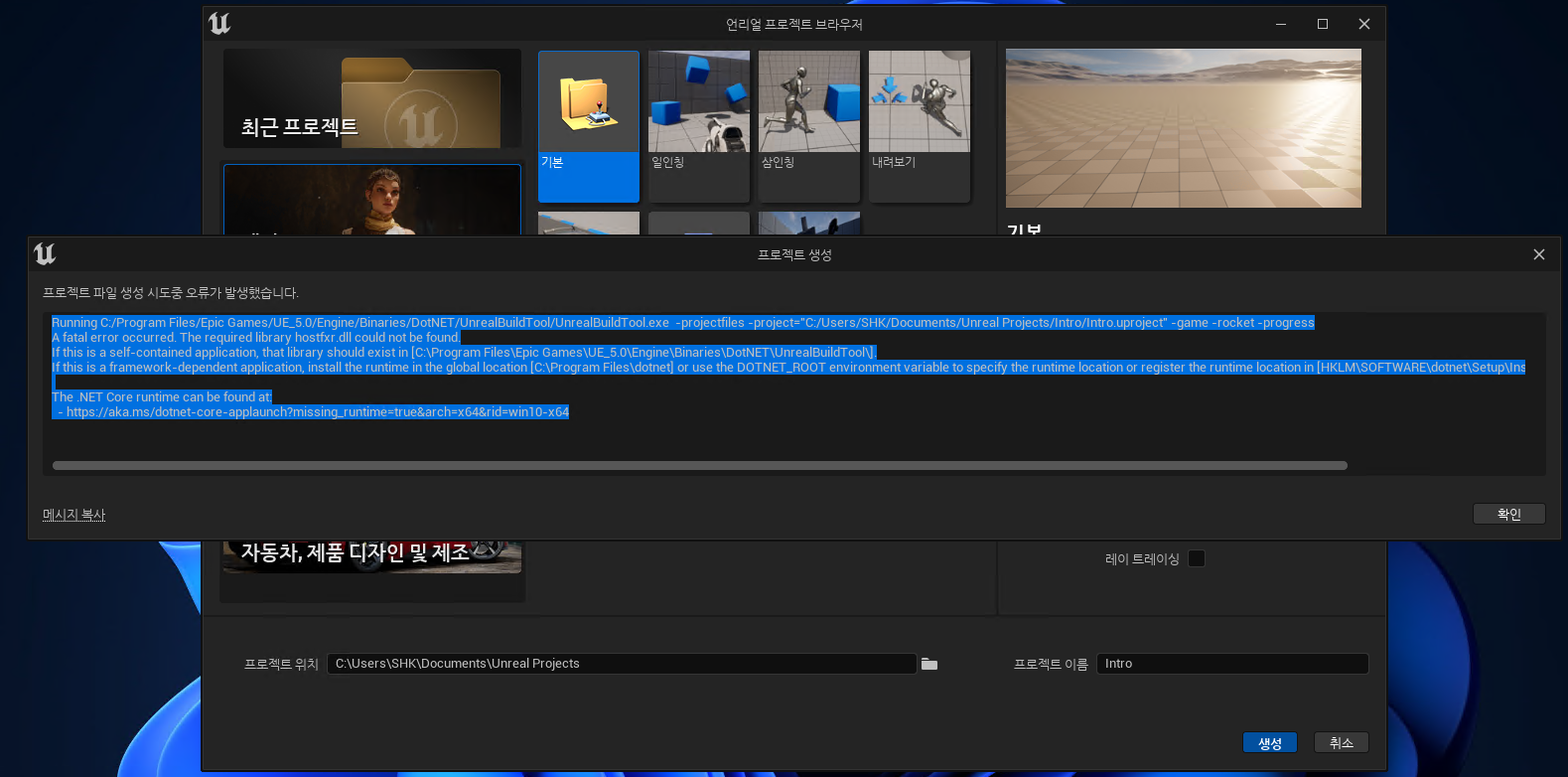
아래 링크를 복사해서
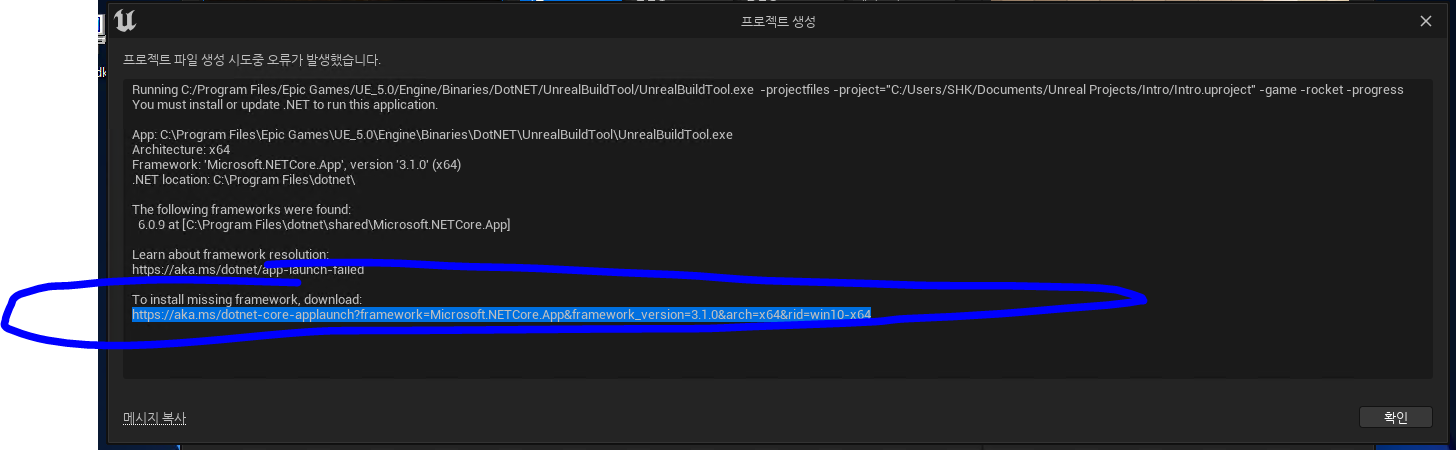
브라우저 주소창에 붙여 넣고
해당되는 링크에서
다운로드하고 설치해줍니다.

이제 잘 실행됩니다.
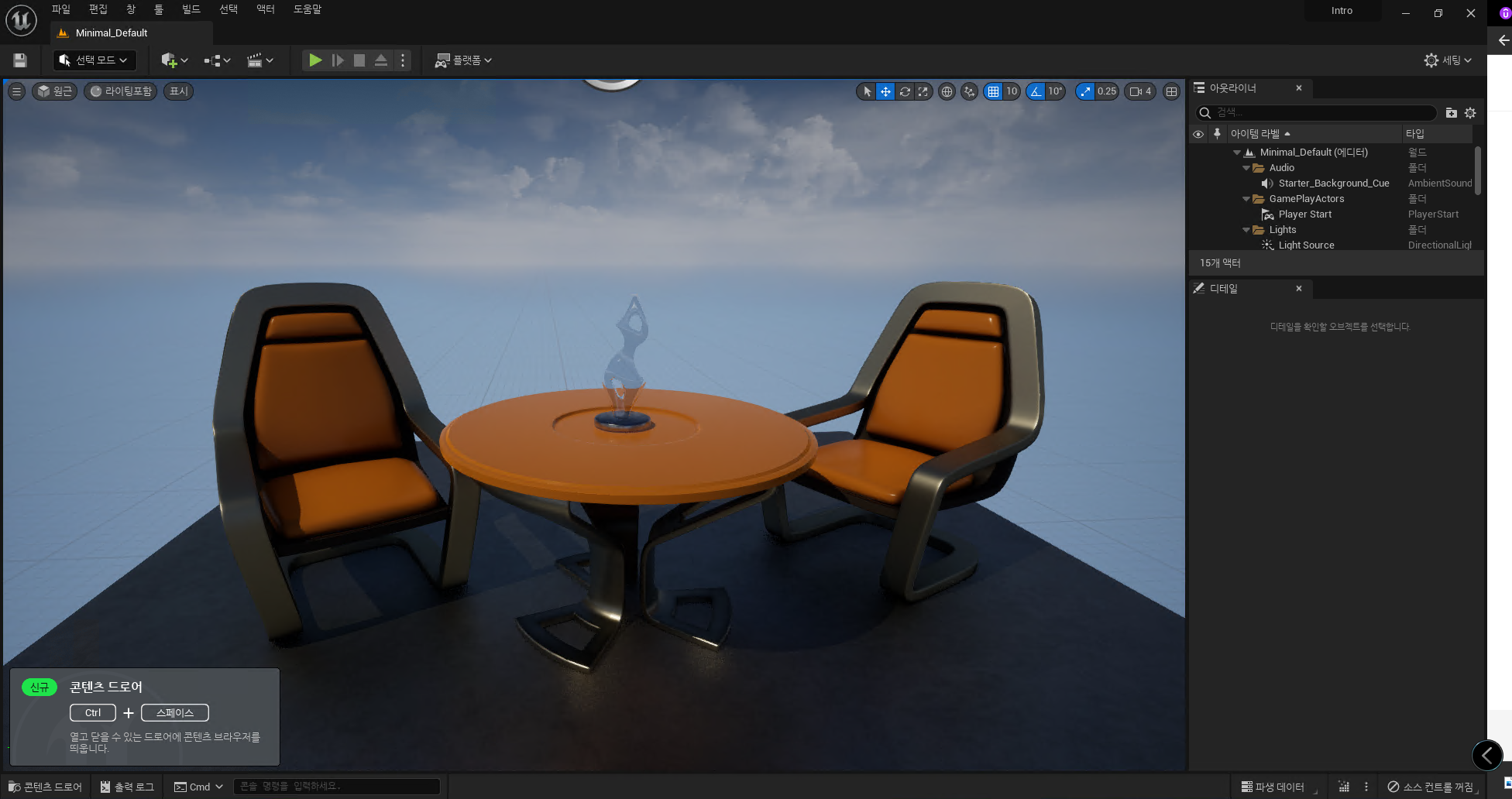
혹시 문제가 지속된다면
아래 스택오버플로우 참조 링크를 참조해주시면 좋을 것 같습니다.
읽어주셔서 감사합니다
무엇인가 얻어가셨기를 바라며
오늘도 즐거운 코딩 하시길 바랍니다 ~ :)
참조 및 인용
A fatal error occurred. The required library hostfxr.dll could not be found
When I run my WPF application on other computers it throws me this error: Description: A .NET Core application failed. Application: program.exe Path: C:\fakepath\program.exe Message: A fatal error
stackoverflow.com