
이번 글을 통해 배워갈 내용
- 자바스크립트 없이 카드를 뒤집는 방법을 배워보겠습니다.
아래와 같은 card flipping을 구현해보겠습니다.
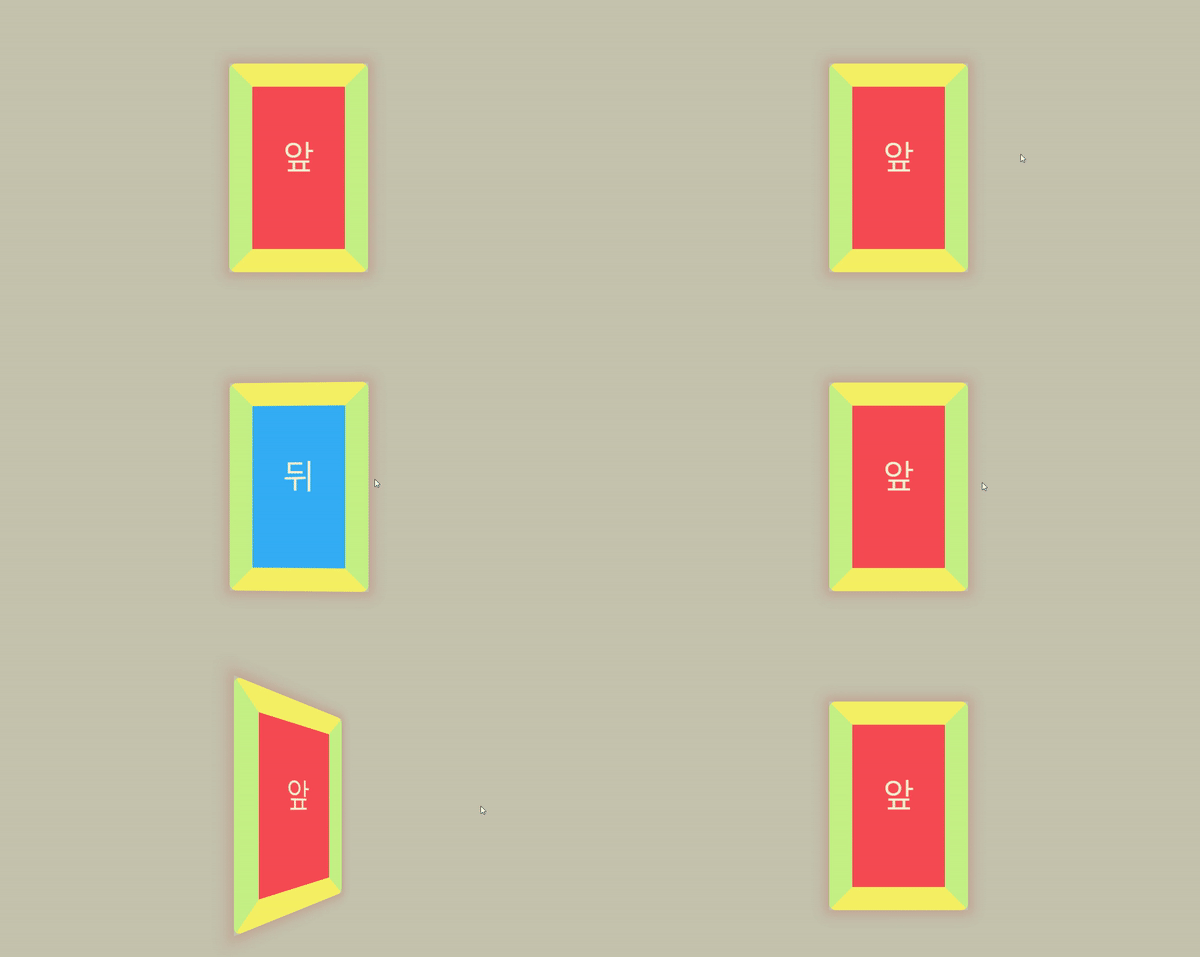 html css 로 카드 플립 구현
리액트와 module.css를 사용하였지만
html과 css만을 사용하였기 때문에 조금 바꿔서
다른 라이브러리를 쓰셔도 무방합니다.
body는 아래와 같이 정의했습니다
* {
box-sizing: border-box !important;
}
body{
margin: 0;
padding: 0;
background: #c4c3ad;
height: 100vh;
display: flex;
justify-content: center;
align-items: center;
}
그리고
card.module.css는 아래와 같이 정의했습니다
.card {
width: 300px;
height: 450px;
perspective: 500px;
}
.card .inner {
position: absolute;
width: 100%;
height: 100%;
box-shadow: 0 0 25px 10px rgba(187, 47, 47, 0.2);
transition: transform 1s;
transform-style: preserve-3d;
}
.card:hover .inner {
transform: rotateY(180deg);
transition: transform 0.5s;
}
.card .front,
.card .back {
color: #F5EFCE;
position: absolute;
height: 100%;
width: 100%;
line-height: 300px;
text-align: center;
font-size: 70px;
border-radius: 15px;
backface-visibility: hidden;
}
.card .front {
border-top: 50px solid #F5F164;
border-right: 50px solid #C5F184;
border-bottom: 50px solid #F6F164;
border-left: 50px solid #C5F184;
background: #F54C54;
}
.card .back {
border-top: 50px solid #F5F164;
border-right: 50px solid #C5F184;
border-bottom: 50px solid #F6F164;
border-left: 50px solid #C5F184;
background: #33AFF5;
transform: rotateY(180deg);
}
카드는 아래와 같이 만들었습니다
import React from 'react';
import styles from './card.module.css';
// React Components
const Card = () => {
return (
<div className={styles.card}>
<div className={styles.inner}>
<div className={styles.front}>앞</div>
<div className={styles.back}>뒤</div>
</div>
</div>
);
};
export default Card;
설명이 필요하신 분만 아래를 읽어주시면 됩니다.
카드 컴포넌트와 card.css 안에
inner와 front, back의 클래스들을 넣어두었고
perspective 성질을 이용해서 z 평면을 기준으로 180도씩 돌려서
앞면과 뒷면을 구현했습니다.
컴퓨터 세상에는 때로는 복잡해 보이는 게
간단할 수 있다는 하나의 예시인 것 같습니다.
읽어주셔서 감사합니다 좋은 하루 보내세요~
참조 및 인용
https://developer.mozilla.org/en-US/docs/Web/CSS/box-shadow
box-shadow - CSS: Cascading Style Sheets | MDN
The box-shadow CSS property adds shadow effects around an element's frame. You can set multiple effects separated by commas. A box shadow is described by X and Y offsets relative to the element, blur and spread radius, and color.
developer.mozilla.org
https://developer.mozilla.org/en-US/docs/Web/CSS/perspective
perspective - CSS: Cascading Style Sheets | MDN
The perspective CSS property determines the distance between the z=0 plane and the user in order to give a 3D-positioned element some perspective.
developer.mozilla.org