MFC에서 화면해상도에 반응해서 창 출력하는 방법

MFC에서 CPP 프로그래밍 동적으로 다이얼로그 사이즈를 변경해서
화면 해상도에 맞는 다이얼로그를 출력해보겠습니다.
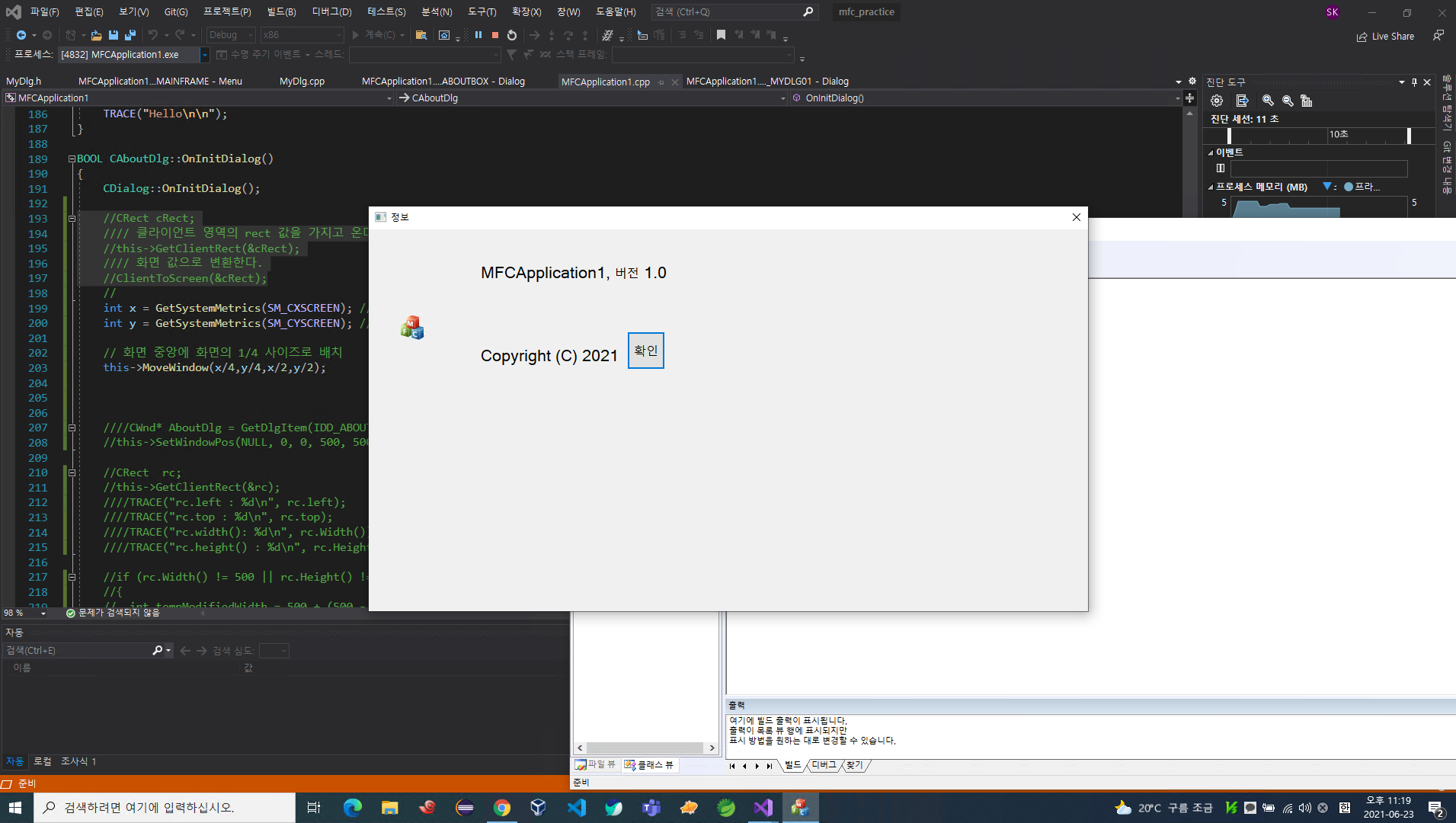
기존에 OnInitDialog()함수 내에
BOOL CAboutDlg::OnInitDialog()3줄만 입력하시면
화면 크기의 1/4 사이즈의 창을 화면의 정 중앙에 위치 할수 있습니다.
	int x = GetSystemMetrics(SM_CXSCREEN); // x축 화면 크기 (단위 px)
	int y = GetSystemMetrics(SM_CYSCREEN); // y축 화면 크기 (단위 px)
	this->MoveWindow(x/4,y/4,x/2,y/2); // 화면 중앙에 화면의 1/4 사이즈로 배치
함수 설명
ClientToScreen
함수는 지정한 지점의 클라이언트 영역 좌표를 화면 좌표로 변환
MoveWindow
지정된 창의 위치와 크기를 변경
부모 창의 위치와 크기는 화면의 왼쪽 상단 코너를 기준.
자식 창의 경우 부모 창의 클라이언트 영역의 왼쪽 상단 코너를 기준으로 함
GetSystemMetrics
지정된 시스템 메트릭 또는 시스템 구성 설정을 픽셀 단위로 검색
SM_CXSCREEN
기본 디스플레이 모니터의 화면 너비 (픽셀)
참조
https://docs.microsoft.com/en-us/windows/win32/api/winuser/nf-winuser-getsystemmetrics
GetSystemMetrics function (winuser.h) - Win32 apps
Retrieves the specified system metric or system configuration setting.
docs.microsoft.com
https://docs.microsoft.com/en-us/windows/win32/api/winuser/nf-winuser-clienttoscreen
ClientToScreen function (winuser.h) - Win32 apps
The ClientToScreen function converts the client-area coordinates of a specified point to screen coordinates.
docs.microsoft.com
https://docs.microsoft.com/en-us/windows/win32/api/winuser/nf-winuser-movewindow
MoveWindow function (winuser.h) - Win32 apps
Changes the position and dimensions of the specified window.
docs.microsoft.com